Project details
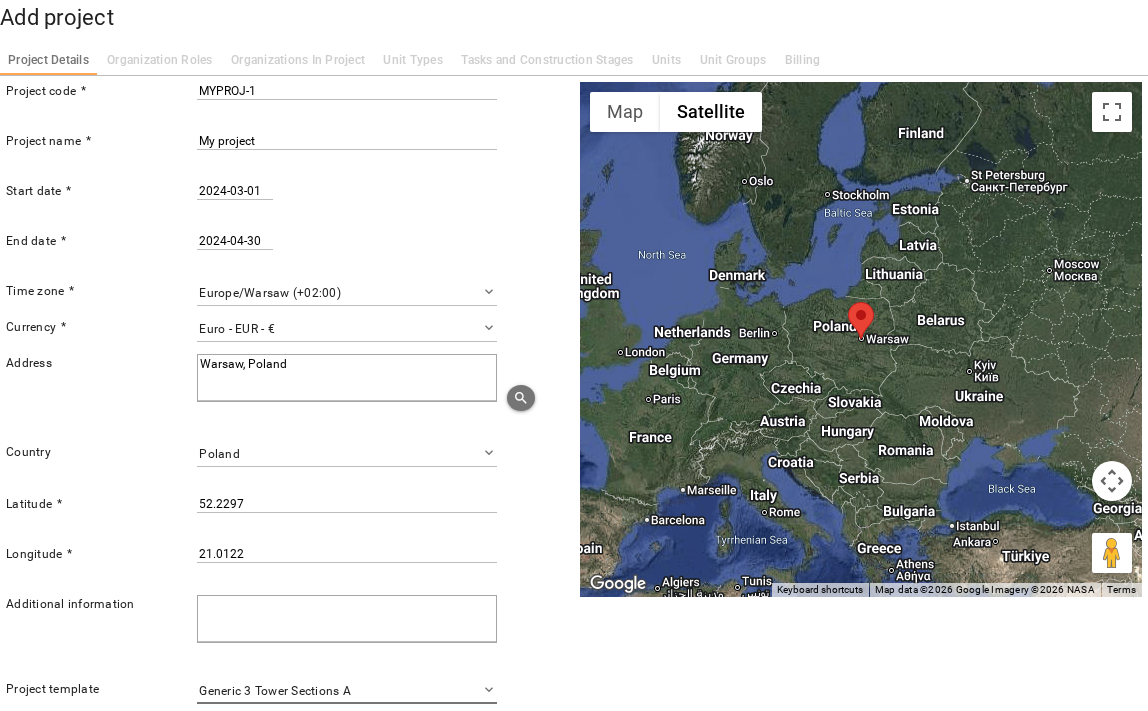
On the Add project screen, Project Details tab, provide basic information about your project: project code, project name, approximate start and end dates, time zone, location, and project template. If you do not have permission to create or edit a project, the screen is still available to review project details.
It is highly recommended to use a project template when creating new projects — that reduces complexity and setup time. If you do not have a template in your organization, create one before creating the project. This tutorial assumes a project template is used.
Also add at least one contact person for the project.

When all data is provided, click Save or Next To Organization Roles to create the project.

If you selected a template, the project structure and configuration from the template is copied into the project. The project template cannot be changed after the project is created.